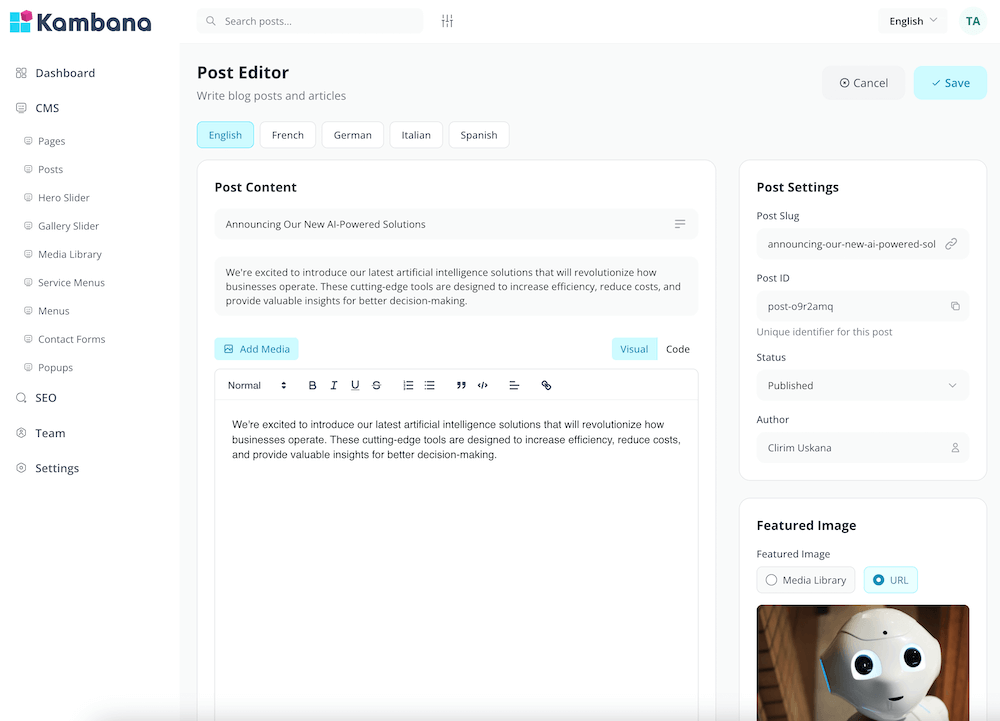
Professional Customer Support
Streamline your customer support with a powerful ticket system. Manage inquiries, track issues, assign agents, and deliver exceptional service that keeps customers coming back.
Ticket Management
Create, organize, and track support tickets from start to resolution. Users submit tickets through your portal, and your team handles them efficiently with full visibility into every conversation.
- Easy ticket creation portal
- Custom ticket categories
- Priority levels (Low, Medium, High, Urgent)
- File attachments and screenshots
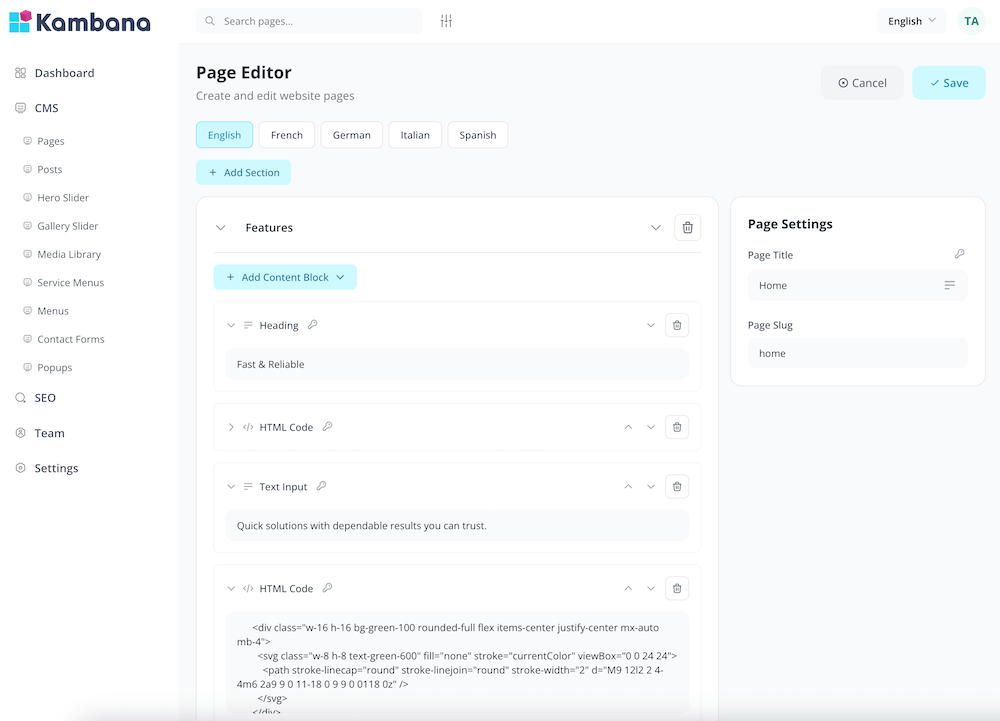
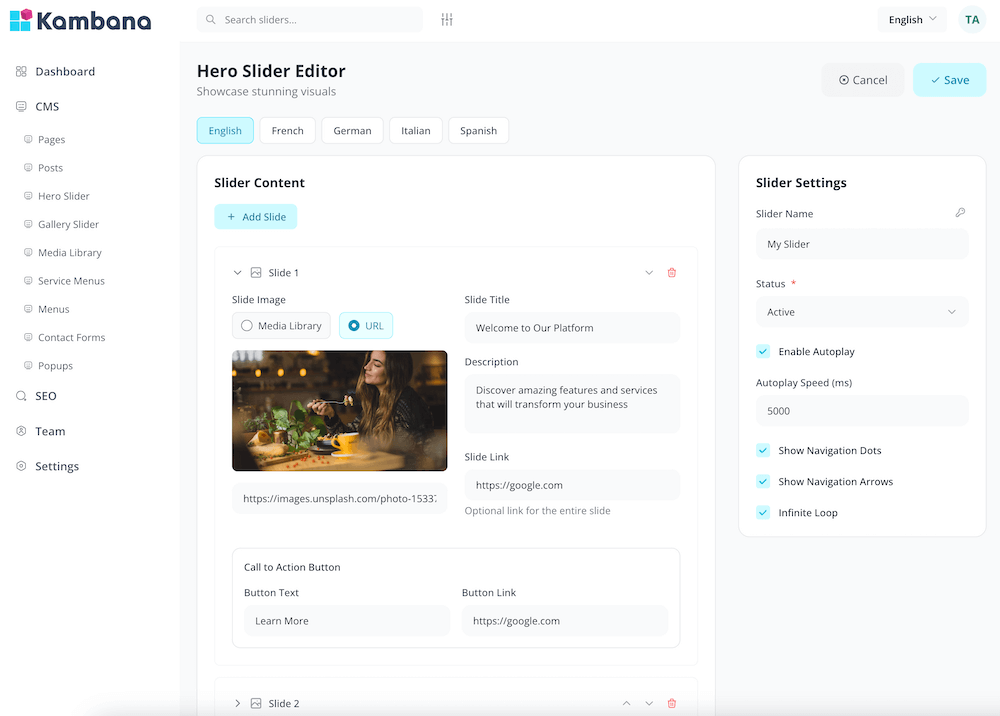
Agent Assignment
Assign tickets to the right team members automatically or manually. Balance workloads, set up departments, and ensure every ticket reaches the best person to handle it.
- Auto-assignment rules
- Department-based routing
- Workload balancing
- Escalation workflows
Status & Workflow
Track ticket progress through customizable status stages. From open to in-progress to resolved, keep everyone informed with automatic notifications and clear workflow transitions.
- Custom status stages
- Automatic email notifications
- SLA tracking and alerts
- Complete activity history
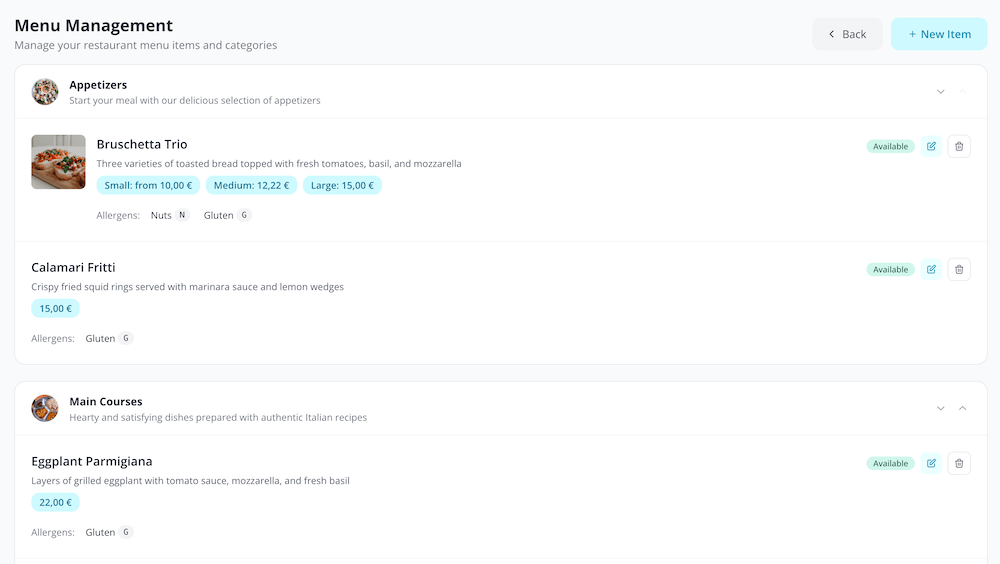
"No puedo acceder a mi cuenta desde ayer..."
"I can't access my account since yesterday..."
"I understand you're having trouble accessing your account. Let me help you reset your password. Please click the link I'm sending to your email..."
AI-Powered Support
Supercharge your support team with our intelligent AI system. Get smart response suggestions based on ticket content, and communicate seamlessly across languages with real-time translation.
- AI-powered response suggestions
- Real-time message translation
- Write in your language, deliver in theirs
- Receive messages in your preferred language
Tickets
Tickets
Central hub for all support requests and issues
Agents
Manage your support team and their assignments
Customers
Customer profiles with full ticket history
Categories
Organize tickets by type and department
Knowledge Base
Self-service articles and FAQ for customers
Canned Responses
Quick reply templates for common questions
SLA Policies
Set response time targets and track compliance
AI Assistant
Smart response suggestions powered by AI
Auto Translation
Seamless multilingual communication
Reports
Analytics on ticket volume, response times, and satisfaction
Settings
Configure workflows, notifications, and portal appearance
Why Choose Kambana Desk?
Deliver outstanding customer support that builds loyalty and drives growth.
Stay Organized
Never lose track of a customer issue. Every ticket is tracked from submission to resolution with full history.
Faster Response Times
Automated routing, canned responses, and SLA tracking help your team respond faster and more consistently.
Customer Satisfaction
Keep customers informed with status updates and provide self-service options through your knowledge base.